Guides · Run an executive benchmark
Run an executive benchmark
How do I fill in the form for my organization?
You need four things: the role, your sector, your state, and your organization's annual revenue. Everything else is optional and can be left at its default.
- Choose your sector. Pick the NTEE sector that matches your mission.
- Choose your state. This adjusts the figure for your location. Choose National for no adjustment. Add a metro area if you are in a large city, where pay can differ sharply from the state as a whole.
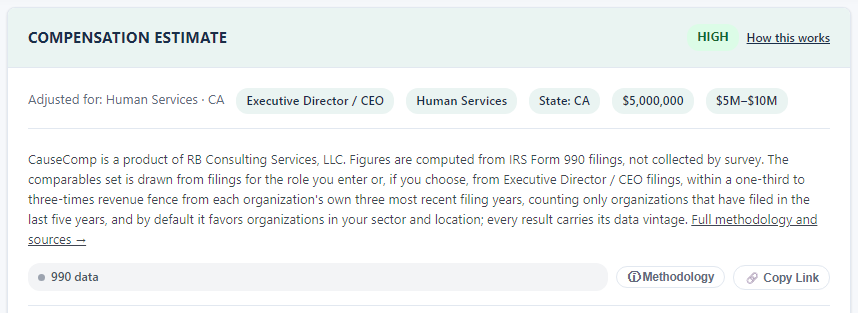
- Enter your revenue. Enter your exact revenue if you know it; a band uses its midpoint. Peers are drawn from organizations with one-third to three times your revenue.
- Choose the role. Start typing and pick from the list. If your title does not appear, use "Browse all roles" to find the closest match.
- Click Get Compensation Estimate.

Optional settings, and when to use them.
- Your organization: enter it so you are left out of your own peer list.
- Current executive's pay: shows where today's pay sits against the range.
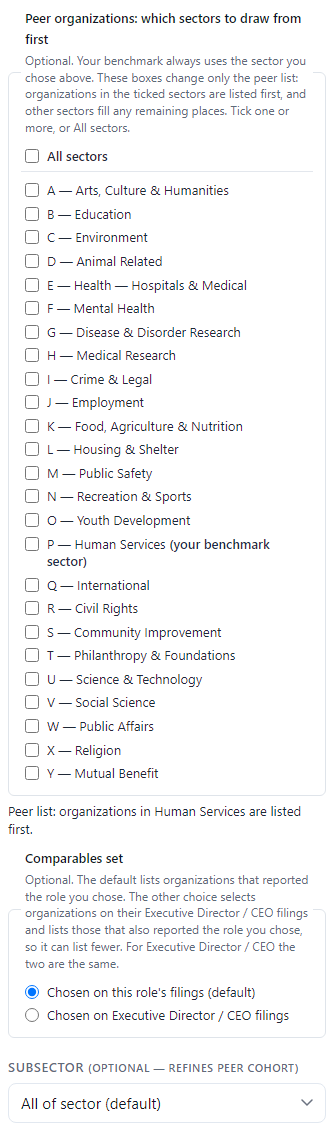
- Subsector: narrows the cohort, useful when your subsector is large.
- Peer organizations by sector and Comparables set: these change only which organizations appear in the peer list, never the benchmark figures. Leave them at the default unless your board has asked for a specific comparison.
Still stuck? Email support@causecomp.org